
Create a Weapon
Configure a sword with stamina cost, auto-regenerating endurance and associated attacks — pure CMS, no chain.
Video Walkthrough
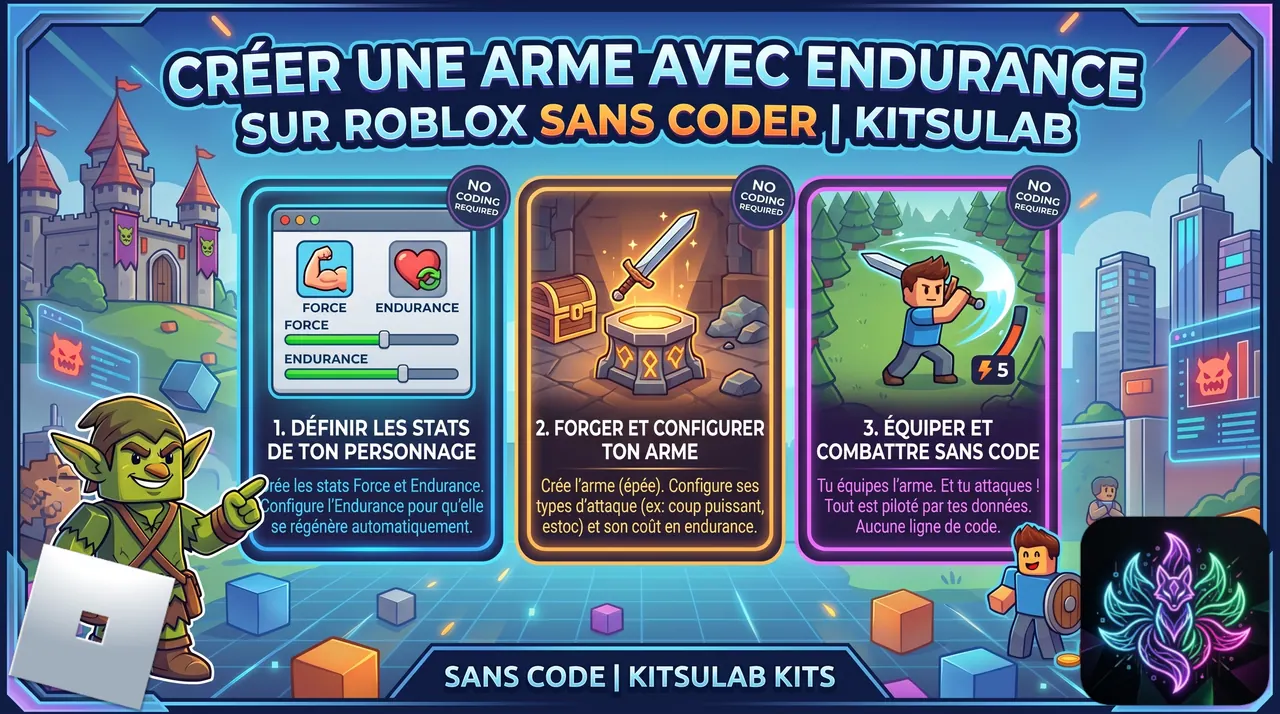
 Step-by-step Guide
Create two stats: Strength and Stamina
On the Stats page: 'force' with impact 'Attack' (multiplies your damage), then 'stamina' with display 'Bar', impact 'None', and recoveryPerSecond '5'. Stamina regenerates 5/s automatically — no loop to write.
Create the SwordSlash attack
On the Attacks page, create 'SwordSlash': Range 'Melee', cooldown 0.6s, costStat 'stamina', costAmount 10, damage 12 absolute on 'vitality'. With 100 max stamina, you can chain 10 swings before pausing.
Create the Sword item (category Weapon)
Create a new item 'Sword' with category 'Weapon' (Main slot). Add stat 'force: 15' and link the SwordSlash attack. Do NOT touch the Behavior tab — a weapon is purely declarative, no chain needed.
How attacks trigger in-game
The player left-clicks. The engine looks for a ready attack (cooldown OK + cost payable) and plays it. SwordSlash is checked, stamina −10, animation plays. Stamina regenerates between swings. You wrote zero code.
3D model rules: Model + PrimaryPart on the handle
Your sword model must be a Roblox Model (not a Folder, not a single Part) with PrimaryPart set on the grip — the part that touches the player's hand. Without PrimaryPart, the engine picks one at random and the sword pivots wrong.
Link the model and link the attack assets
In the Linker, drag your sword model onto the Sword item. Then under the SwordSlash attack, link Animation, SwingSound and ImpactSound (5 sub-slots are available, only 3 needed for a melee weapon).

 Modify stat