
Tutorials
Roblox Game Tutorials — Build Complete Features, Step by Step
Real-world guides to create shops, enemies, quests and more with Kitsulab. No code required.
Beginner
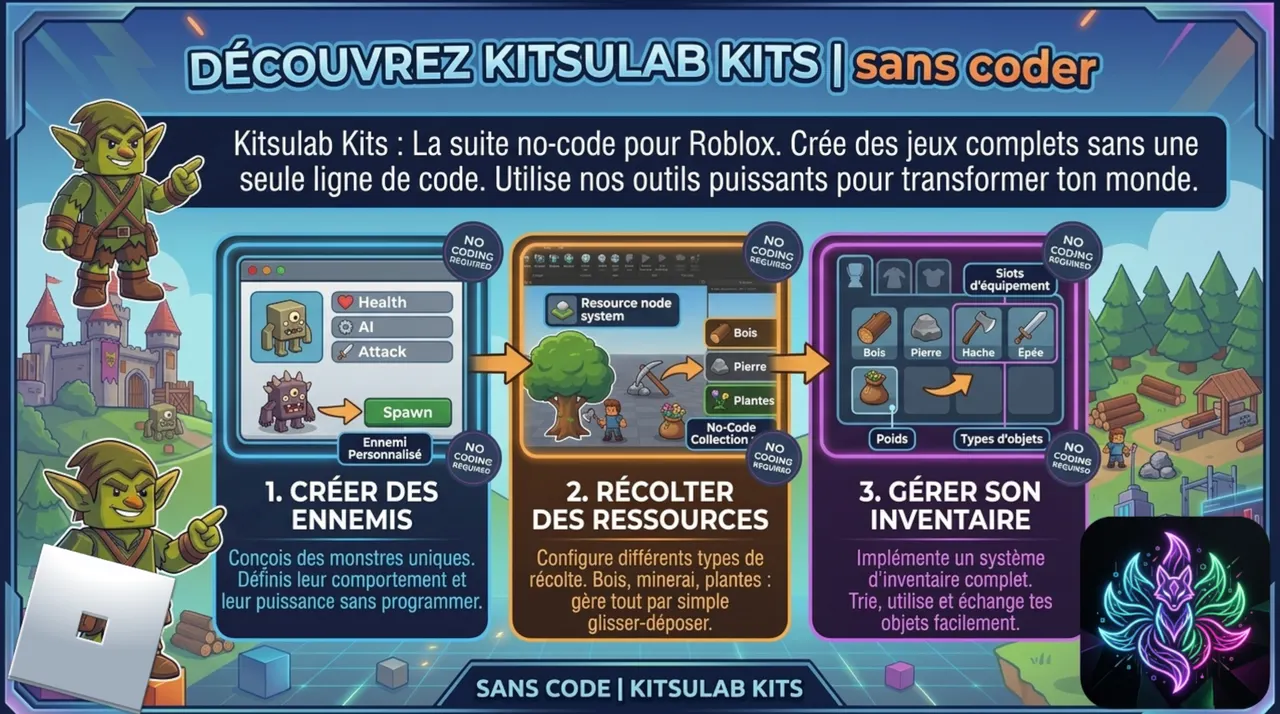
Getting Started with Kitsulab
Install the plugin, connect the CMS, and sync your first data to Roblox Studio.
Beginner Read more 
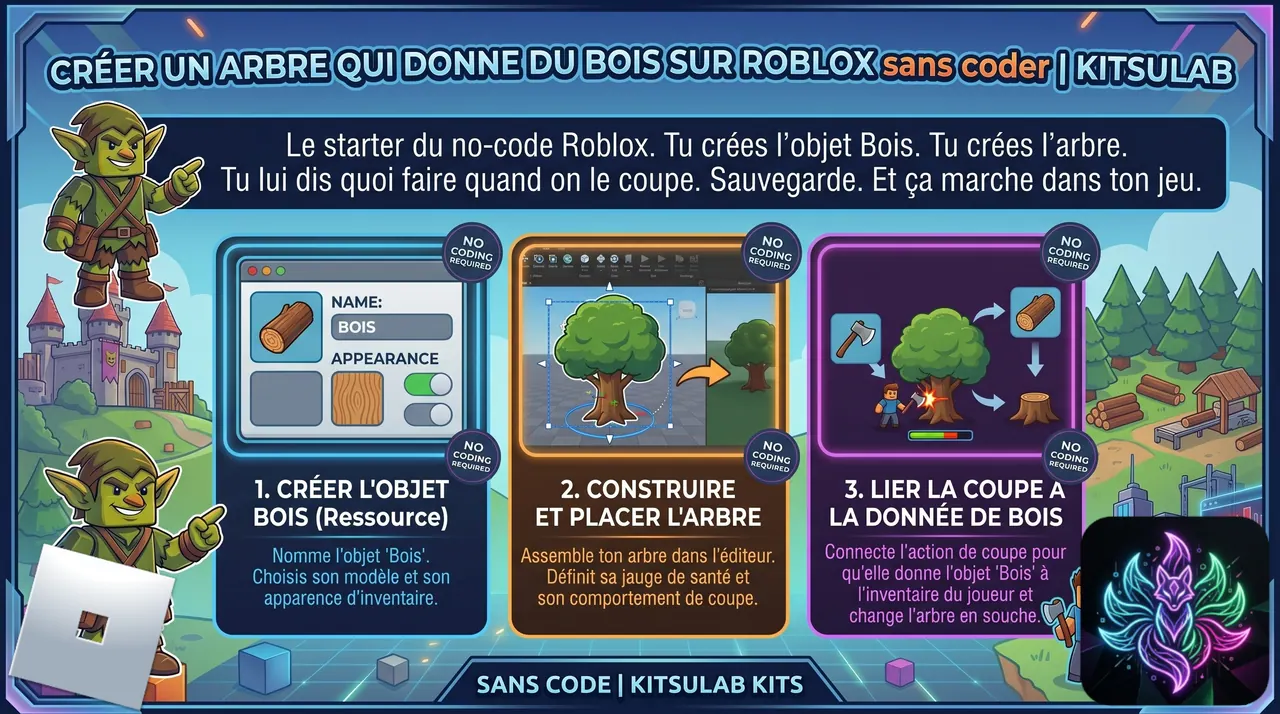
Create a Harvestable Resource
Build a tree that drops wood when a player interacts with it.
Beginner Read more
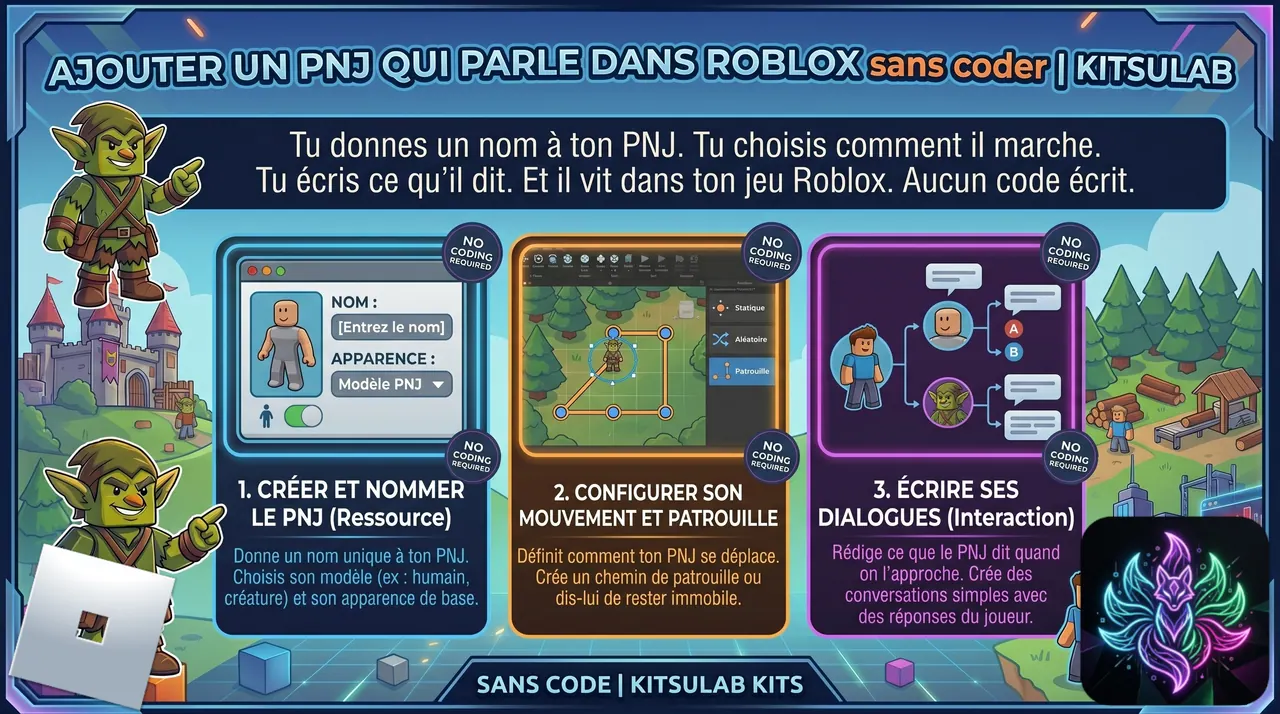
Create an NPC with Dialogue
Build an NPC that wanders around and speaks to the player when interacted with.
Beginner Read more
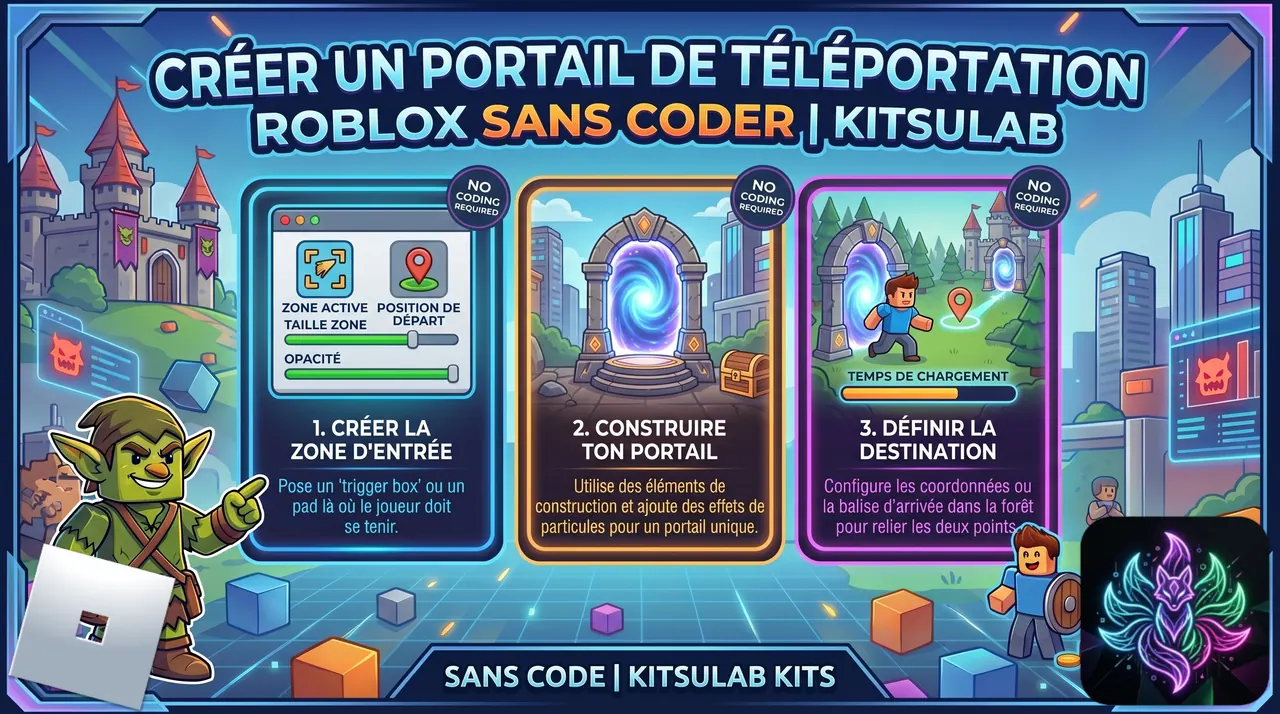
Create a Teleportation Portal
Build a portal between zones — and discover the 3 kinds of Places: Hidden Assets, Private Plot, Public Plot.
Beginner Read more
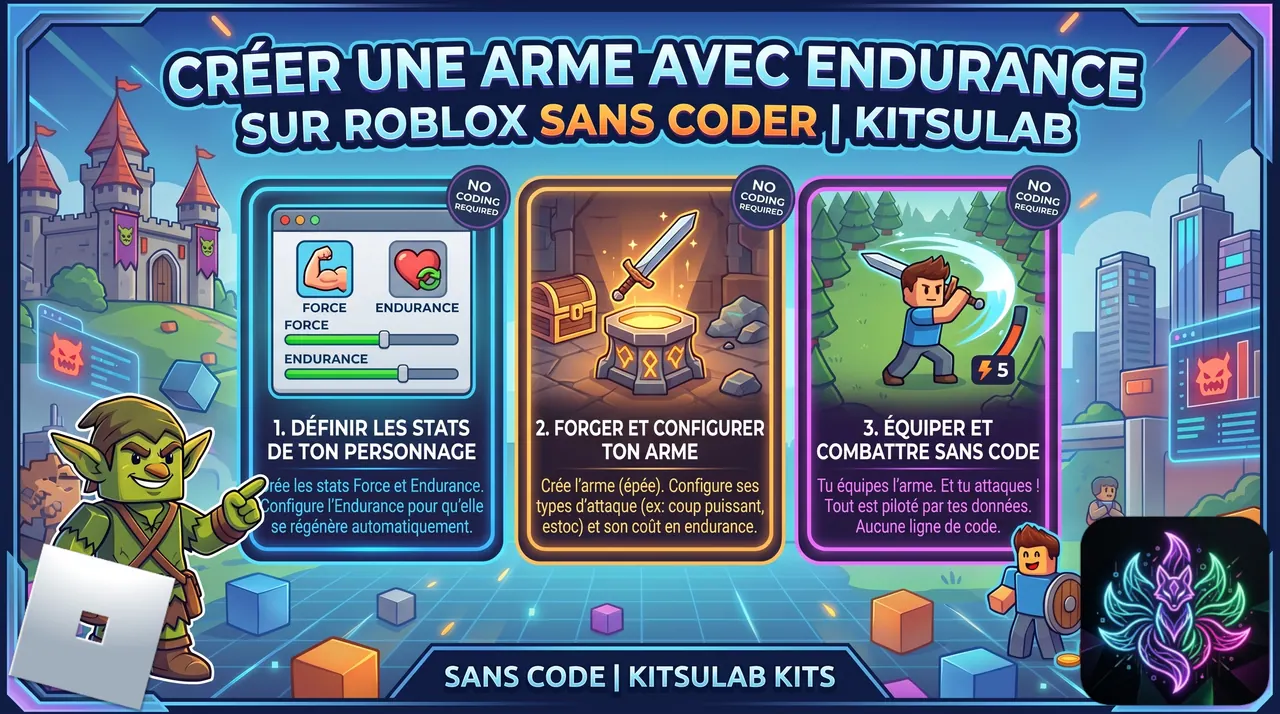
Create a Weapon
Configure a sword with stamina cost, auto-regenerating endurance and associated attacks — pure CMS, no chain.
Beginner Read more
Intermediate
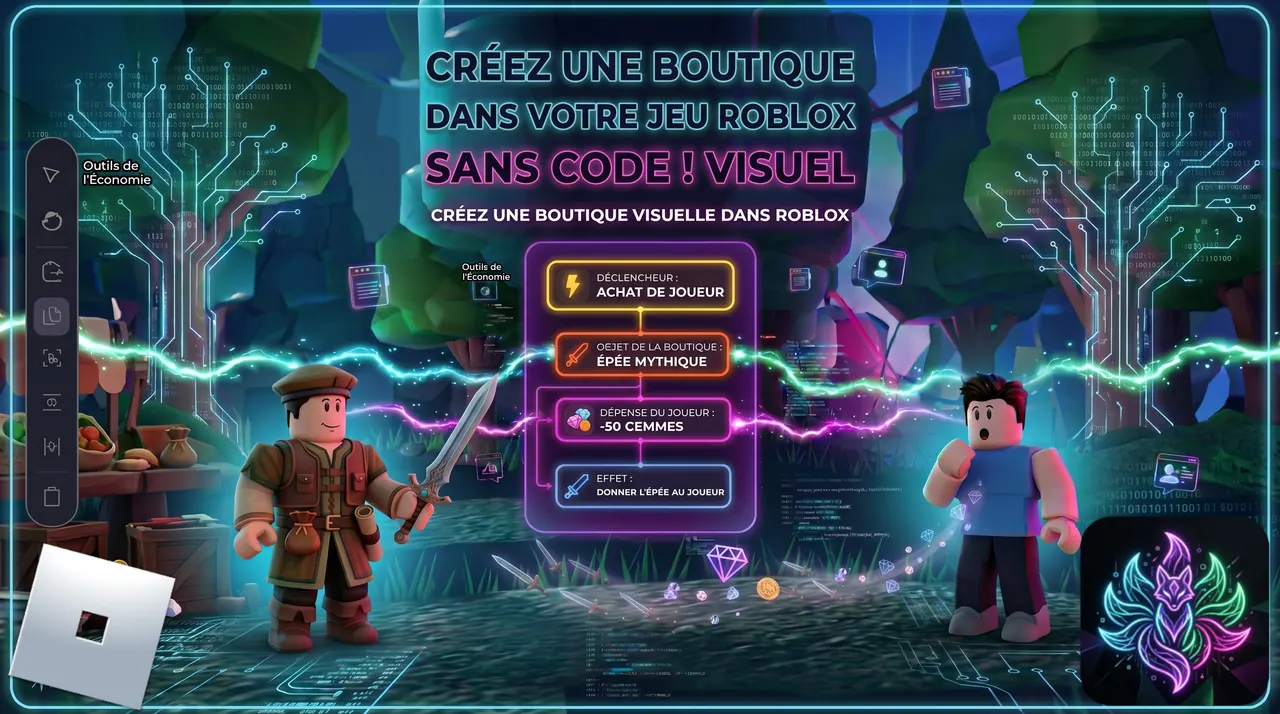
Create a Merchant NPC and an Alchemy Machine
Build a walking merchant (classic shop) and an alchemy station (free craft mode) using the Transform action.
Intermediate Read more
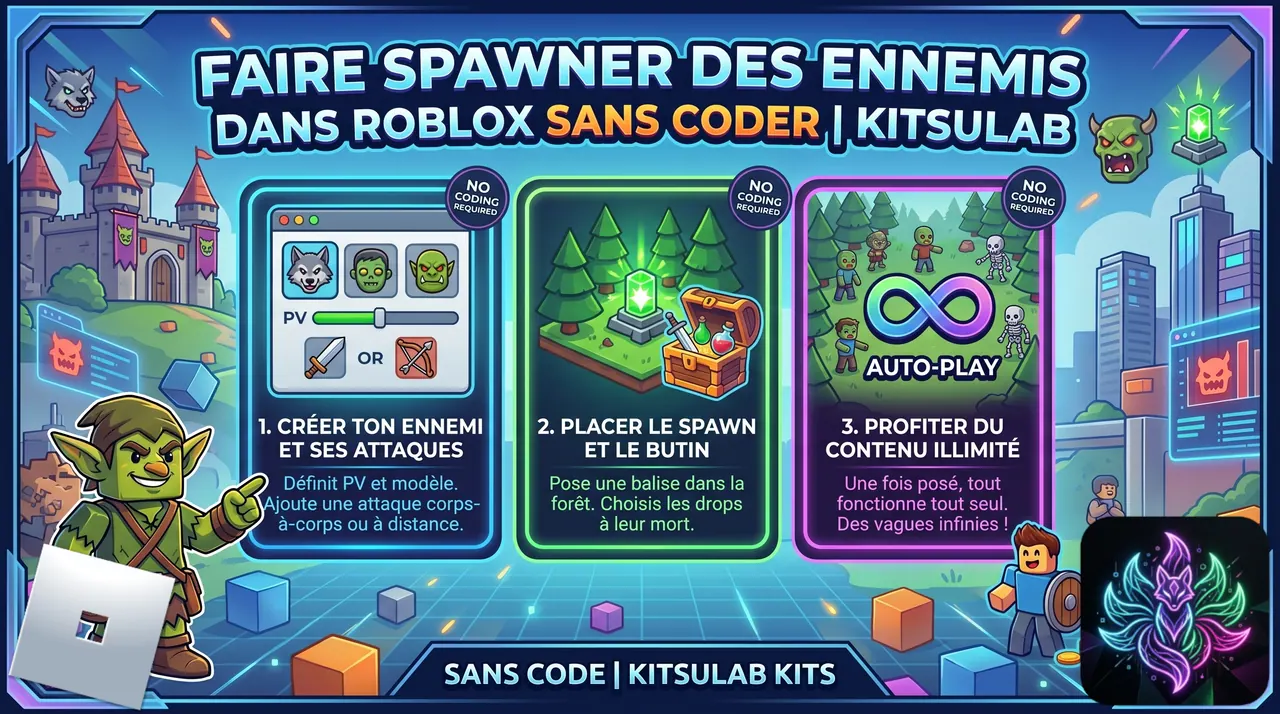
Spawn Enemies (Goblins) with Drop Loot
Set up a spawner that creates aggressive goblins in a zone. They drop coins and crystals on the ground when killed.
Intermediate Read more
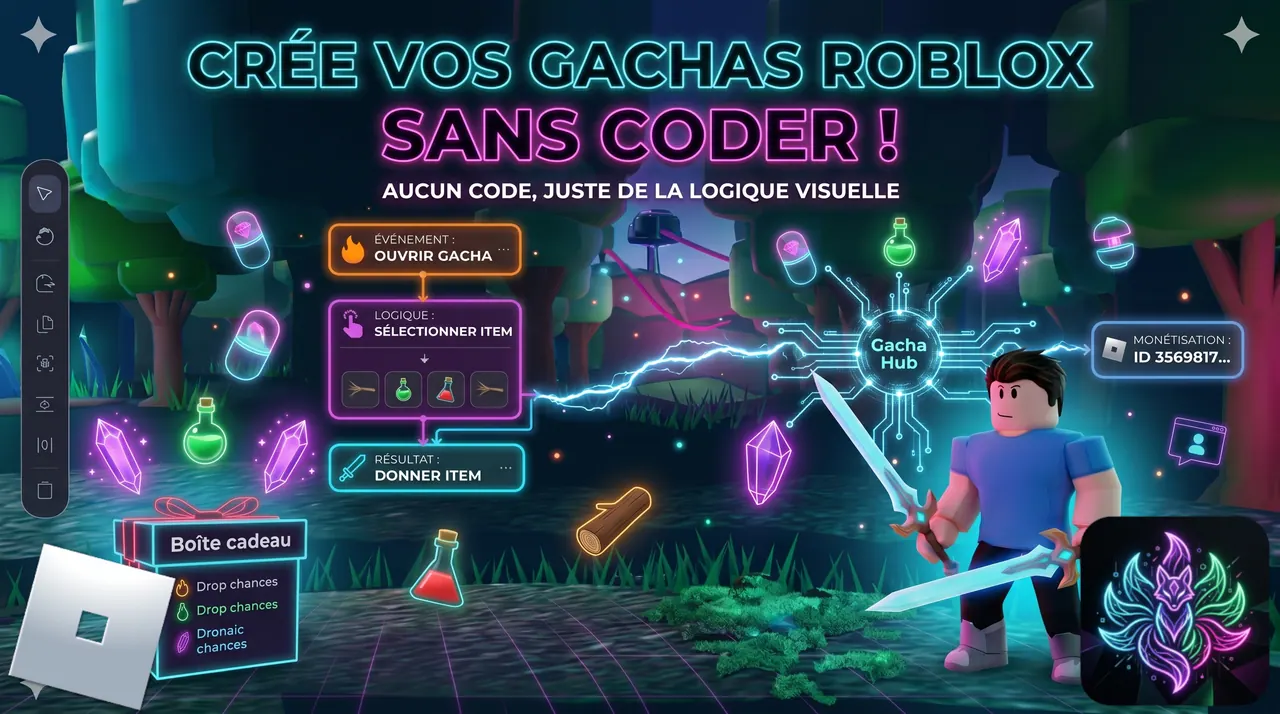
Create a Loot Box (Goblin Gift)
Replace the goblin's fixed crystal drop with a random loot box that takes 10 seconds to open.
Intermediate Read more
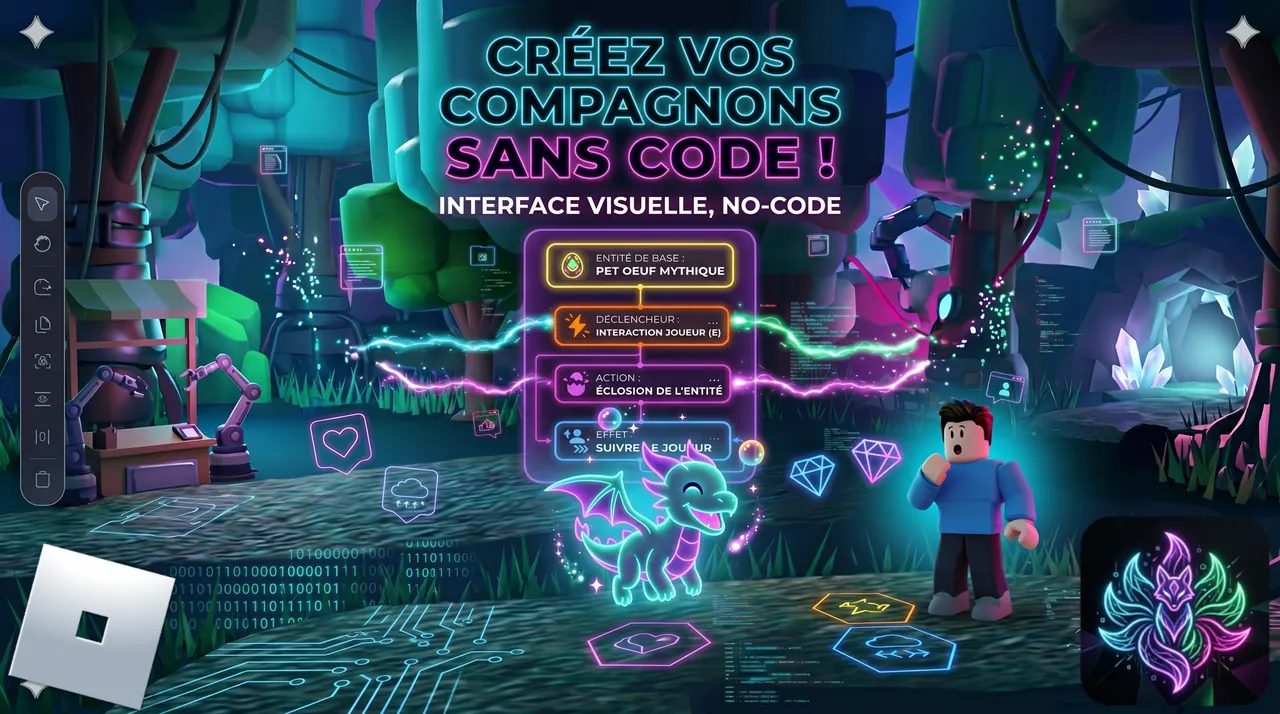
Create a Combat Companion (Slime)
Build a slime companion that fights alongside you. Earned via a conditional dialogue with the lumberjack: 5 crystals against a slime.
Intermediate Read more
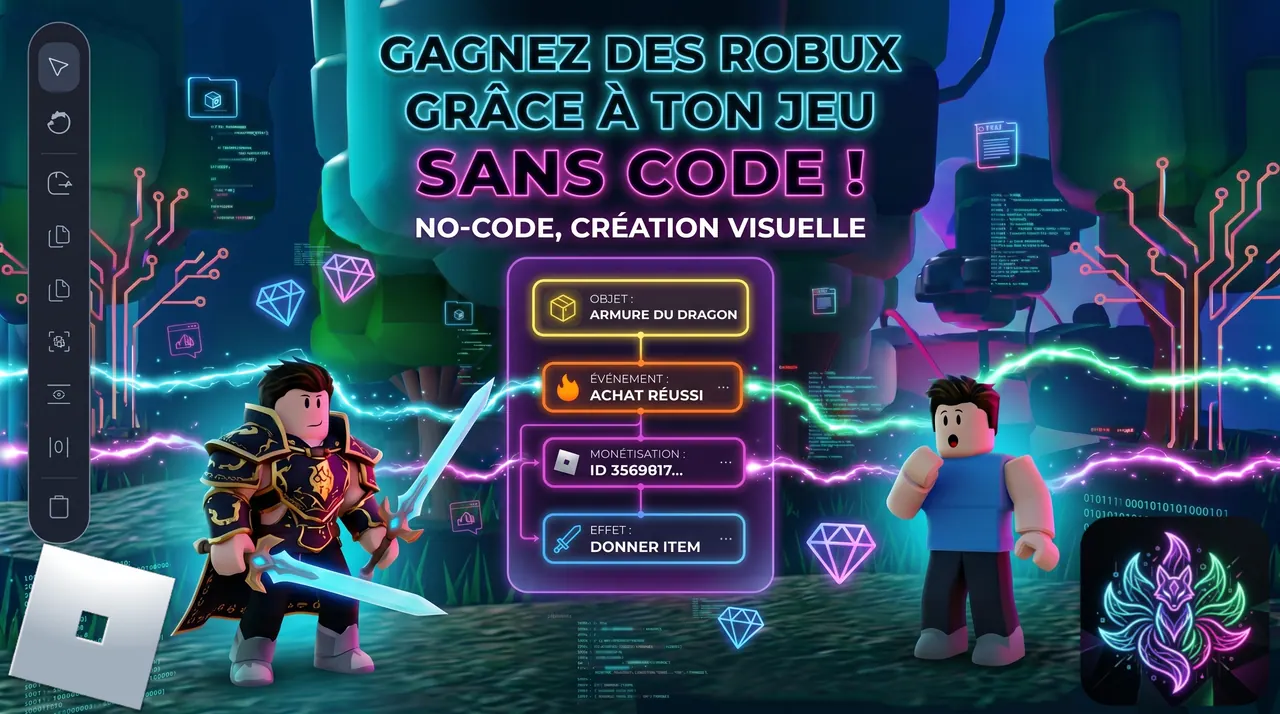
Monetize Your Game (Coin Packs and Legendary Armor)
Sell coin packs and a legendary Dragon Armor for Robux via Developer Products. The HUD shop menu auto-populates from your recipes.
Intermediate Read more
Advanced
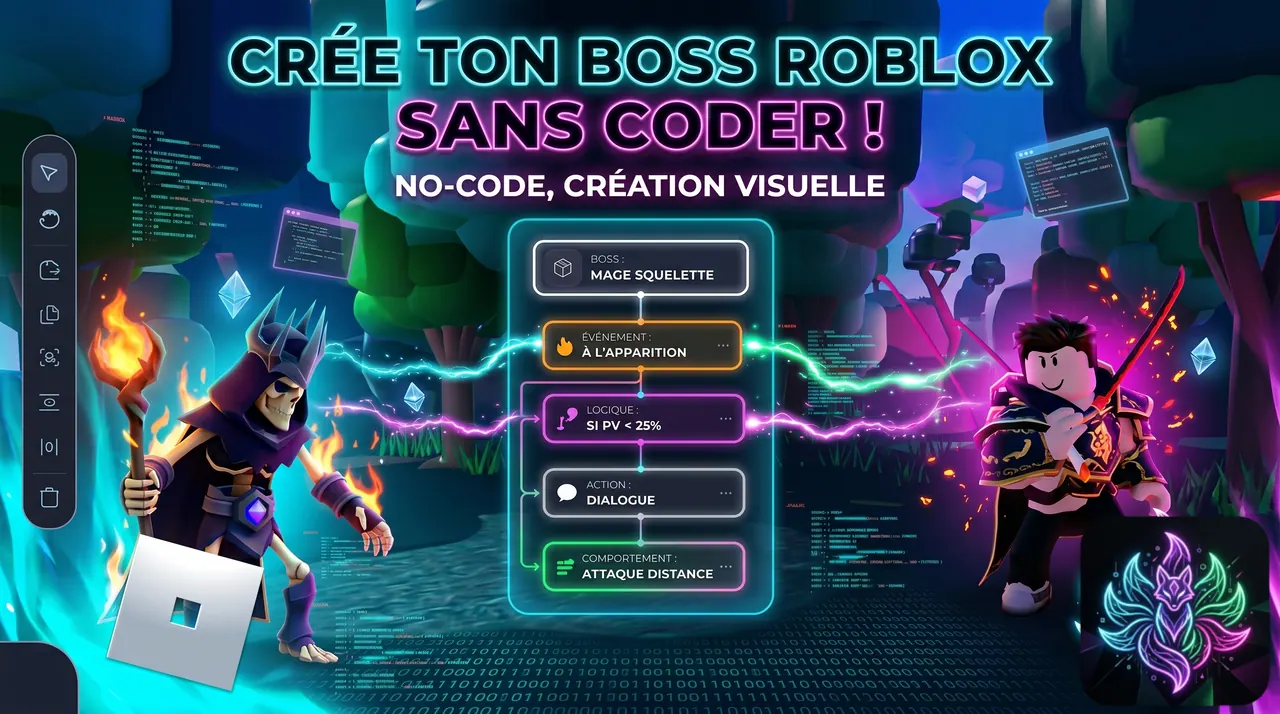
Create a Boss Fight (Skeleton Mage with Homing Fireballs)
Build a full boss encounter: provocation dialogue, ambiance switch to Midnight, homing projectiles with screen shake, and rich loot table.
Advanced Read more
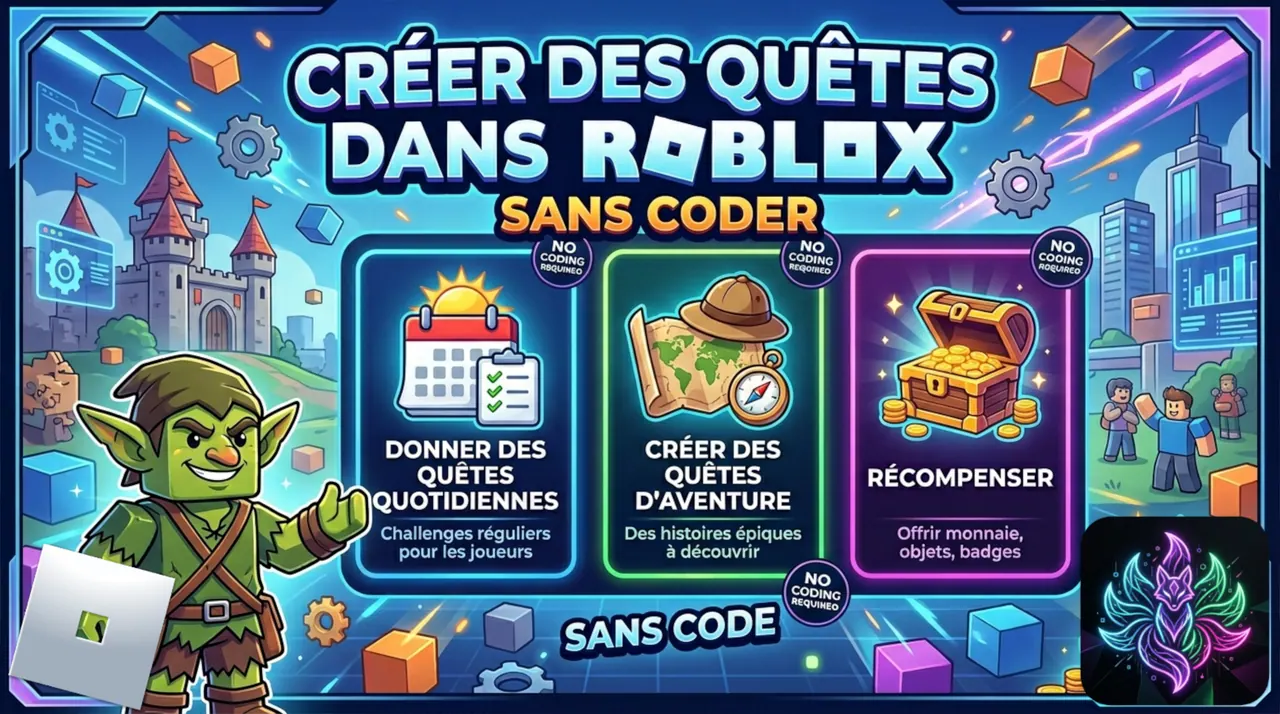
Create a Quest System (Daily + Journal, no quest giver)
Auto-assign Daily and Journal quests on player spawn. Players track progress in the HUD, follow auto-GPS, and claim rewards client-side.
Advanced Read more
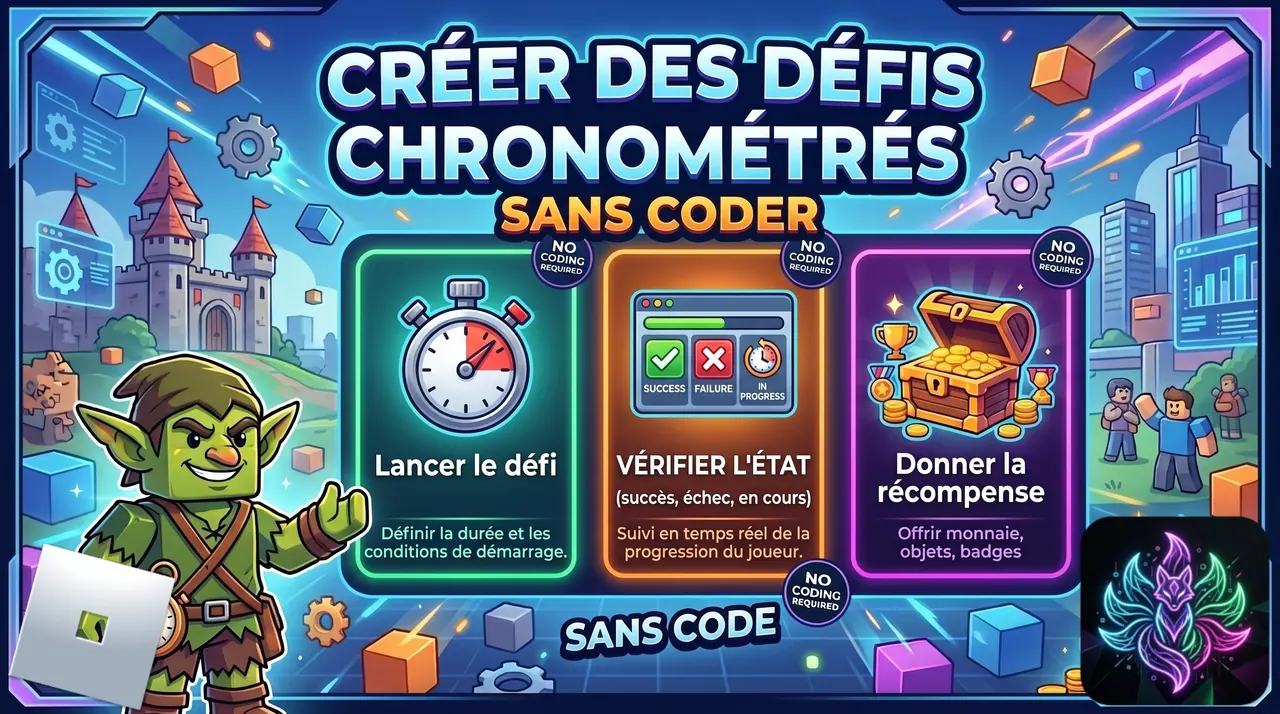
Create a Timed Challenge (Other quest type)
Build the third quest type: timeLimit, NPC giver (Guild Agent), and 5-handle GiveQuest with ClaimQuest on Succeeded.
Advanced Read more
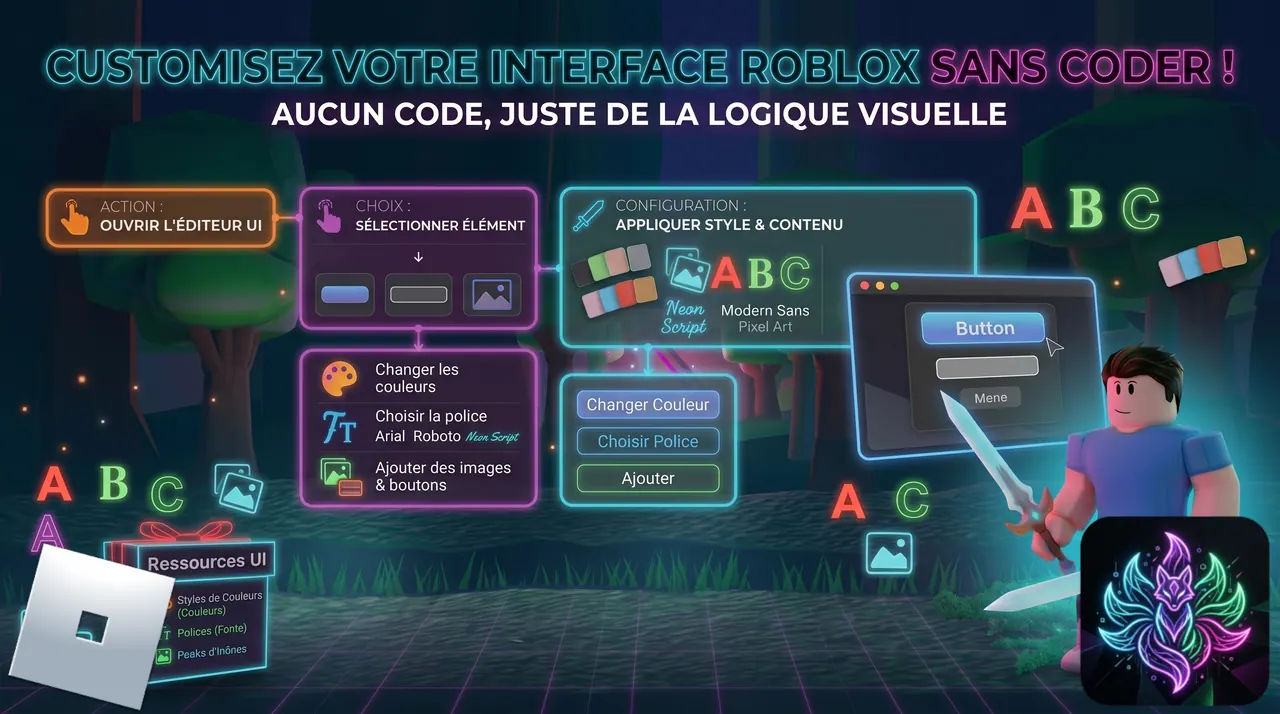
Customize the Game Interface
Redesign the HUD, windows and buttons with UI Trees, theme tokens and interface actions.
Advanced Read more