

Build your Roblox game without writing a single line of code
You're not a developer. You're a creator. Kitsulab turns your vision into a game people can play on Roblox — no Lua, no dev team, no compromise.
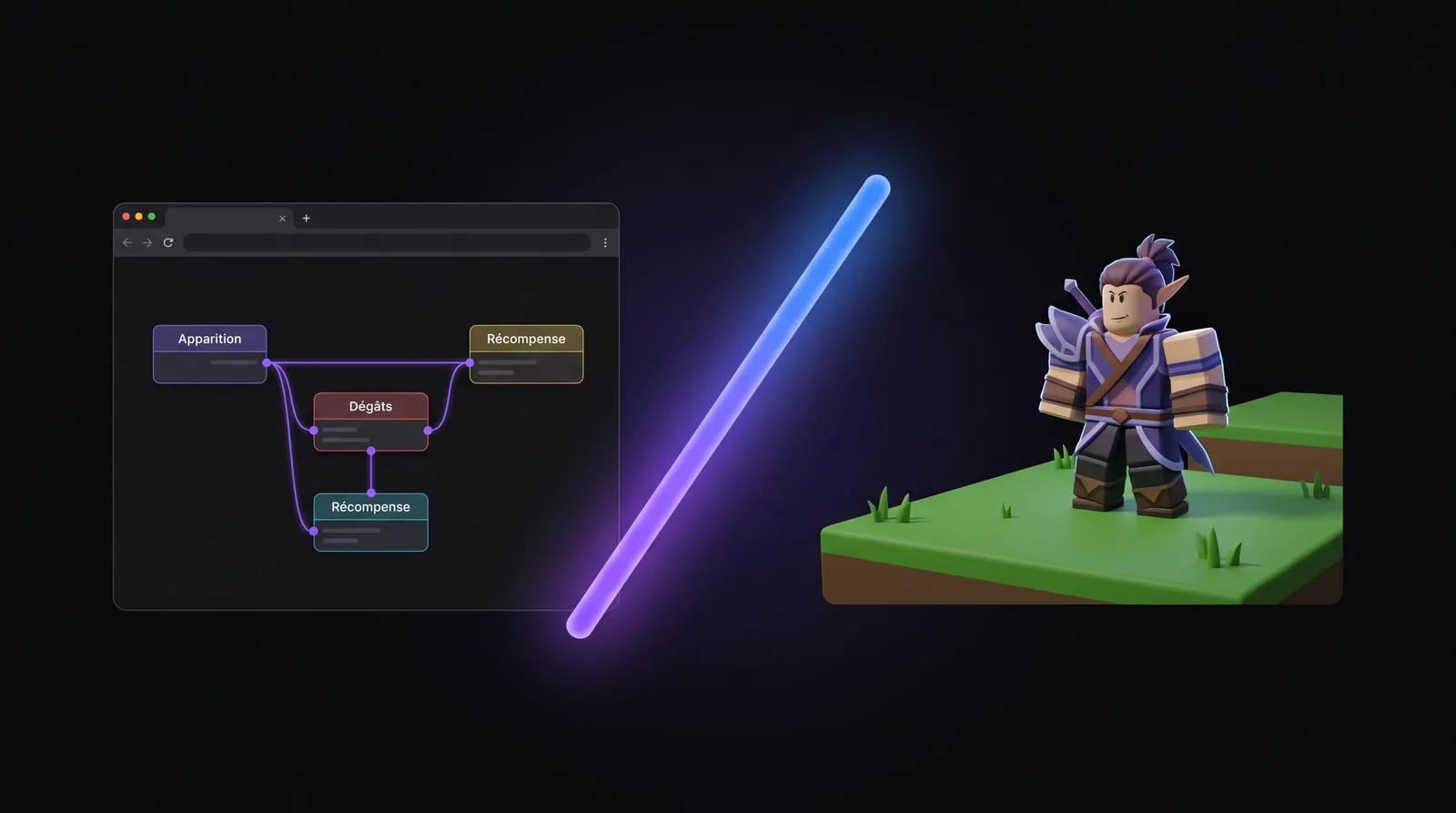
 Built for creators, not developers
 This is for you
You had the idea. You were missing the tool.
Kitsulab was built for people who want to make a game, not learn a language.

You have a game idea that keeps haunting you
No team, no budget for a developer. Just a vision and a weekend. Kitsulab lets you bring your game to life — no six-month detour through Lua tutorials.

You're tired of waiting for your devs
You know exactly what you want: a boss that spawns minions, an economy that holds, a branching quest. Stop writing specs. Build it yourself.
You want to iterate in hours, not sprints
Your team has the talent. What they need is time. With Kitsulab, game design happens live while your devs stay focused on what really matters.
What changes for you
You keep the vision. We handle the rest.
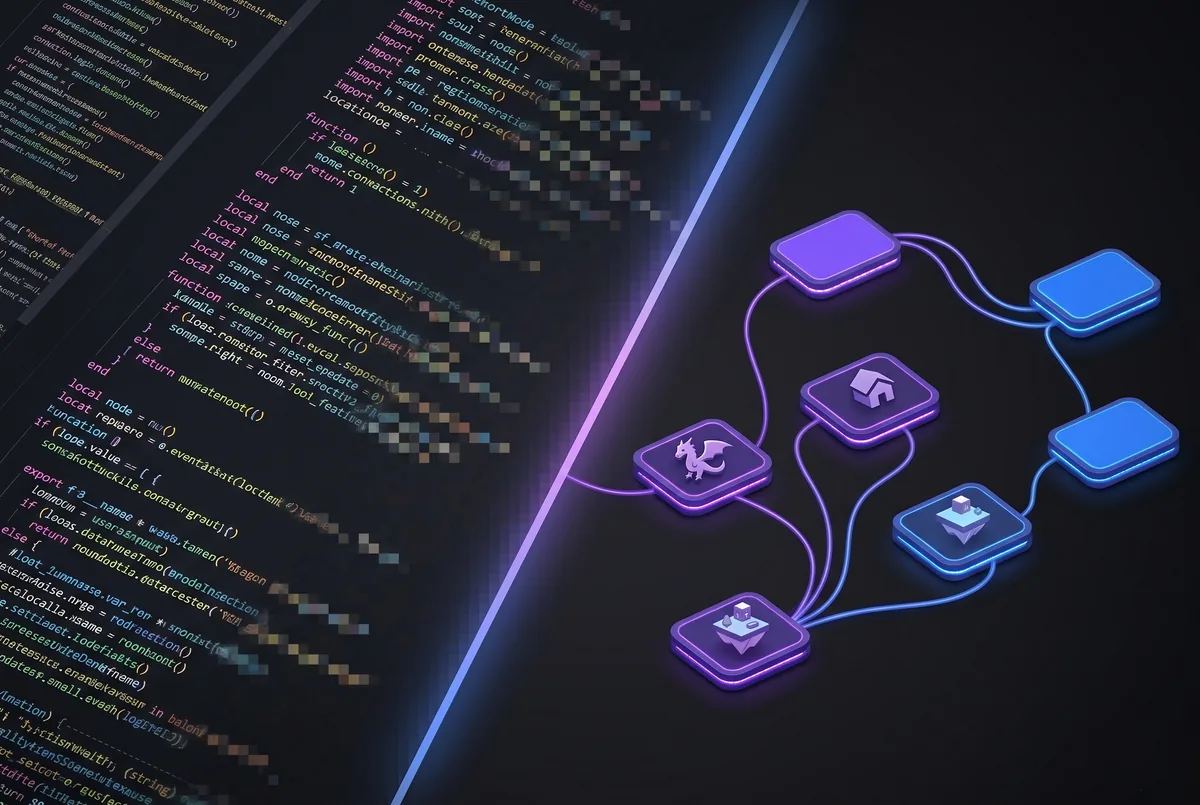

Think in gameplay, not in code
You think in fights, quests, rewards. Kitsulab speaks the same language. You lay down your logic visually — it runs. Zero Lua. Zero scripts. No compromise.
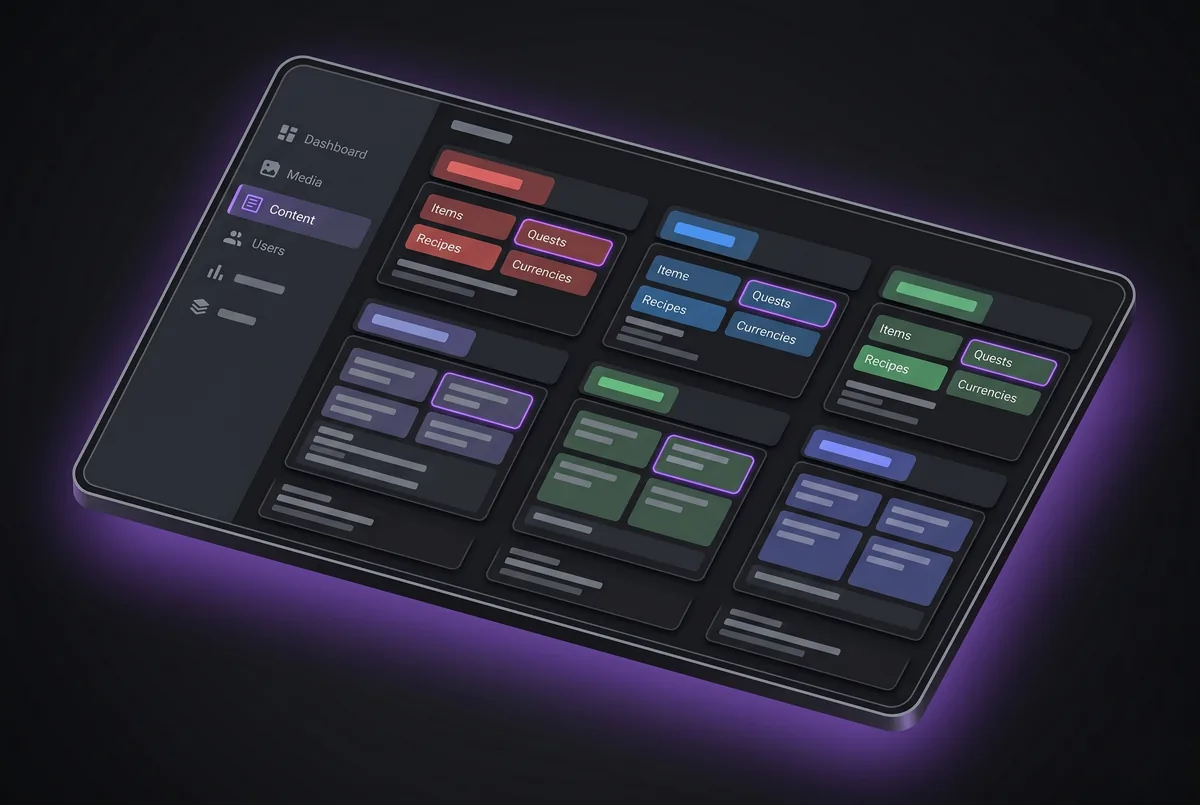

A complete creation studio
Items, attacks, recipes, economy, quests, dialogues — everything is designed in a browser, in a few clicks. Game design becomes a visual craft again.
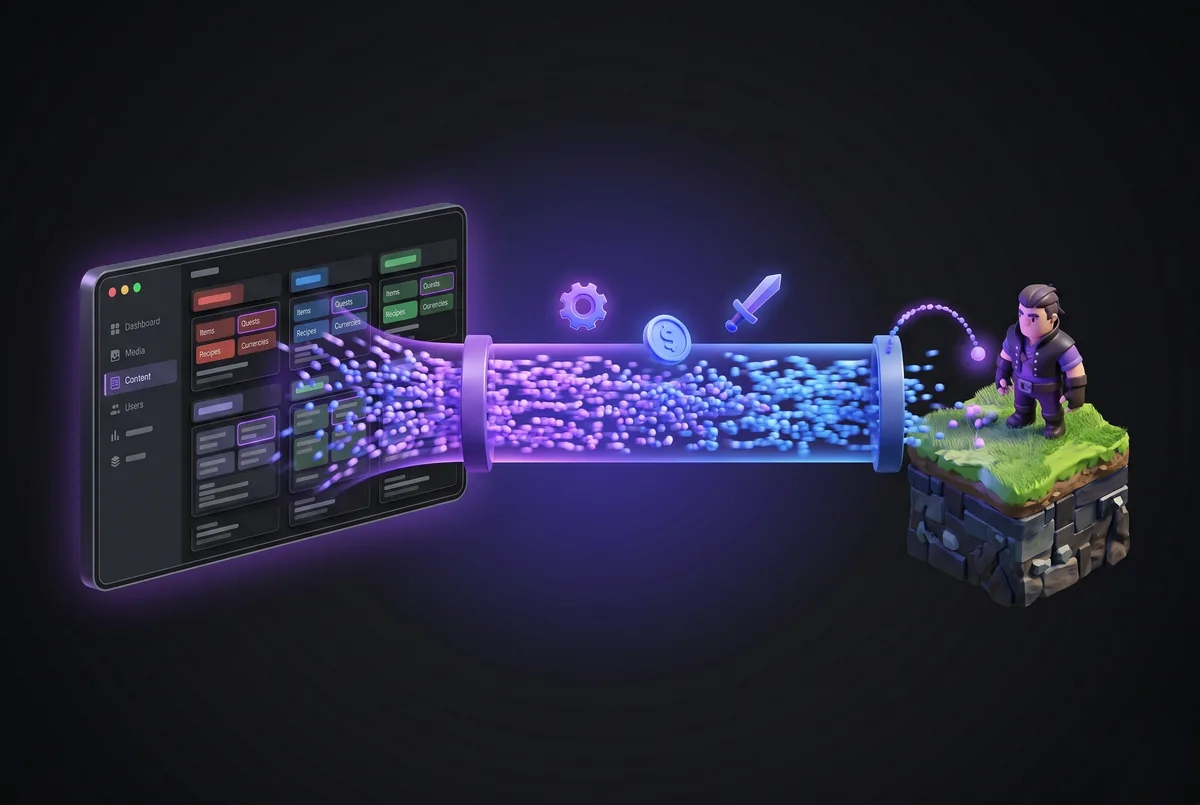

Your game changes while your players play
Tweak a reward, a boss, a price — it's live in your game. No waiting, no compile cycles. Try it, tune it, do it again.
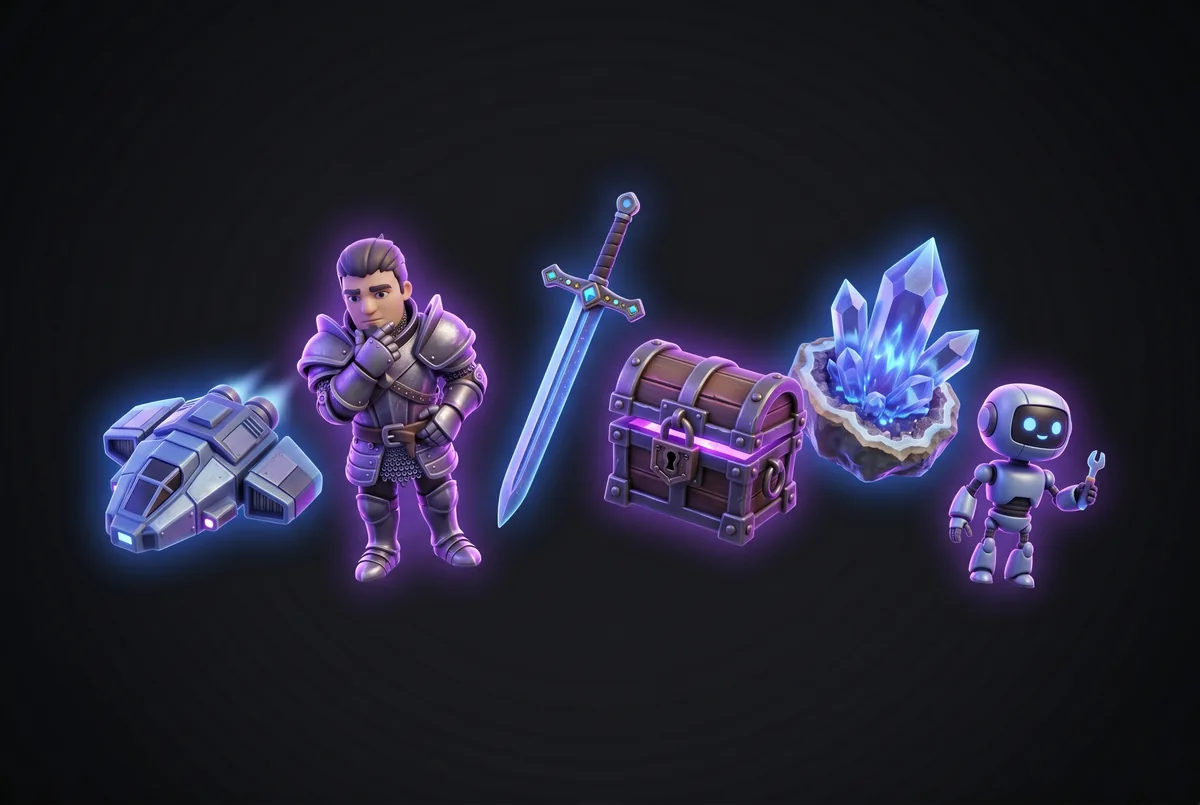

Your world stays yours
Your 3D models, your maps, your interface, your art direction. Nothing is imposed. No template, no forced asset, no house style. Your players see your game — Kitsulab stays invisible.
For augmented creators
Connect your favorite AI agent to your project.
Claude, Codex, or any MCP-compatible agent can understand your Kitsulab project, check its consistency, and prepare changes directly in the CMS.
- Explore items, quests, and settings
- Spot issues before syncing
- Preview proposed changes
- Apply approved changes
https://api.kitsulab.app/mcp Included with Founder and Monthly plans. You choose the project the agent connects to, and it can preview changes before applying them.
Install the AI connectorWhat you can build
Every genre. No detour.
RPG, tycoon, dungeon, narrative game — you compose the mechanics, Kitsulab runs them. Here's what you can ship without writing any code.
A world to explore, quests that matter
Build a living universe where every encounter carries weight.
- Branching quests with real rewards
- Random loot and probability-based chests
- Multi-phase bosses with dialogue and cinematic
- Economy and currencies that hold long-term
Players who come back every day
Progression, resources, unlocks: the loops that keep people hooked.
- Passive resource generation over time
- Crafting recipes and transformations
- Progression tiers that unlock new content
- Premium timers to let players skip ahead
Action, waves, and loot
Create tense instances where every run tells a story.
- Tunable enemy spawners and escalating waves
- Temporary instances per player or party
- Fully configurable attacks, damage and defense
- End-of-run chests with loot tables
A story that reacts to the player
Dialogues, choices, consequences — without writing a line of code.
- Multi-character dialogues and cinematics
- Choices that redirect the story
- Daily quests or long-running campaigns
- Objectives and markers to guide the player
Proof, live
This RPG runs on Roblox. Without a line of gameplay code.
SuiLand is a real, playable game. Its world, quests, combat and economy were all built inside Kitsulab. Click, play, judge for yourself.
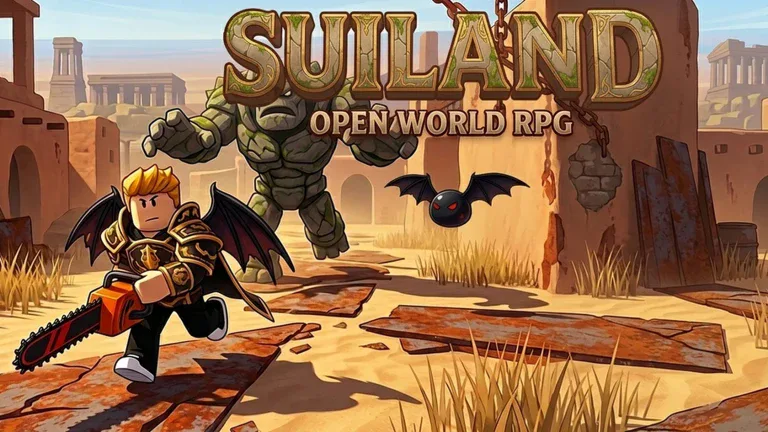
SuiLand — Open-world RPG
A full universe built without coding — the kind of game Kitsulab lets you ship.
Why Kitsulab
The difference: you actually finish your game.
Building a Roblox game without Kitsulab is possible. It's also long, frustrating, and most projects die along the way. Here's what changes.
You learn a craft before you make a game
- Months learning Lua before your first working NPC
- Every bug chips away at your motivation
- You depend on a developer for every tweak
- By the time you ship, your idea has gone cold
You move forward on the game, not on the code
- Your first playable gameplay in a few hours
- You test, you tune, you iterate live
- You stay in charge of every creative call
- Your game ships — because nothing blocks you
How it works
From idea to game in three steps.
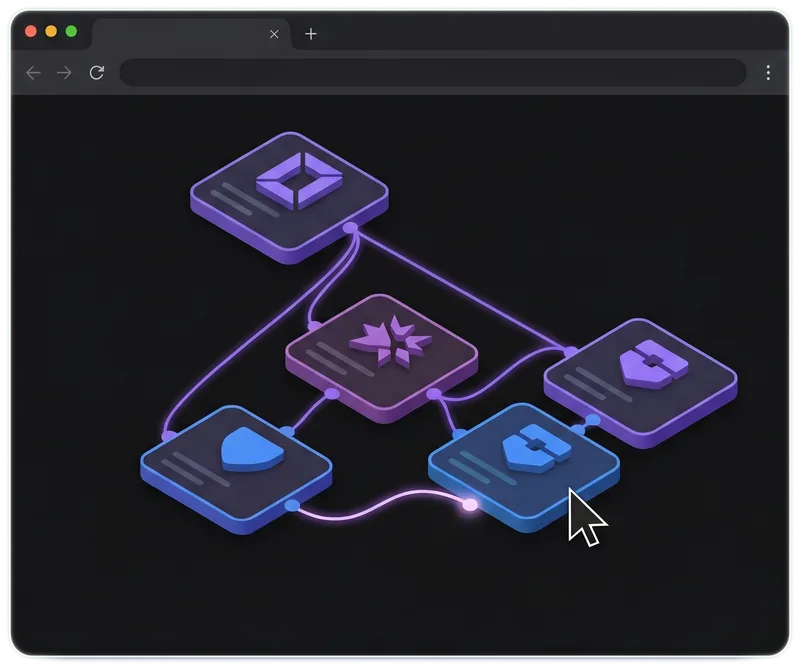
Sketch out your game
Your items, your combat, your quests. You lay the logic down visually, the way you imagine it. No class to take, no language to learn.
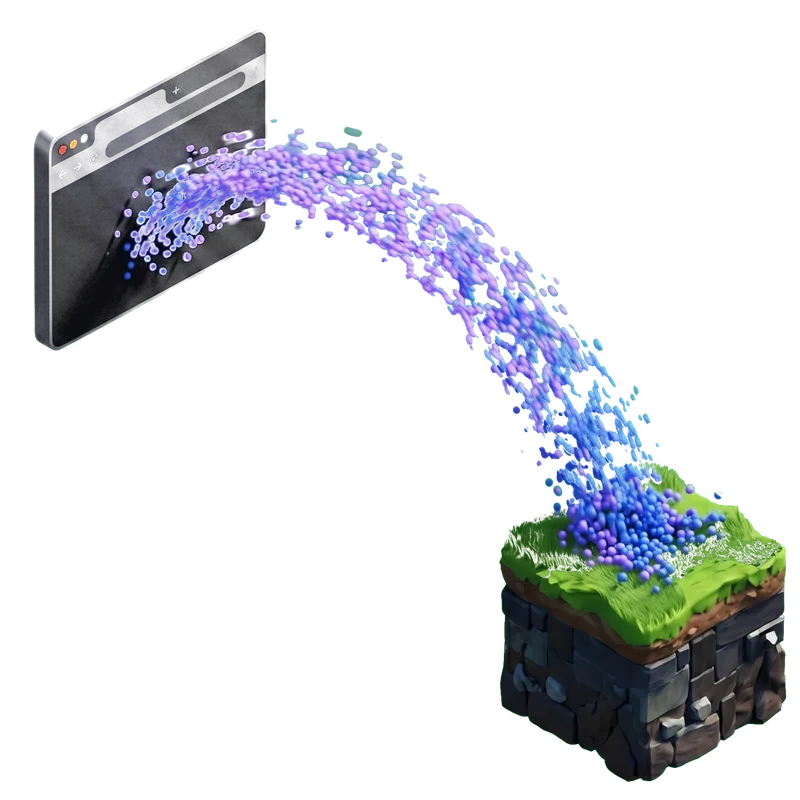
Connect to Roblox Studio
Install the plugin, paste your key. Your game lands in Studio, and anything you tweak in the browser joins it right away.
Watch it come alive
Your game runs. Your players play. You tune it live, without breaking anything. It's your creation — finally in front of you.
Tutorials
Learn by building, for real.
A full boss, an economy that runs, a world full of entities — we show you how. Every tutorial is one step closer to your own game.
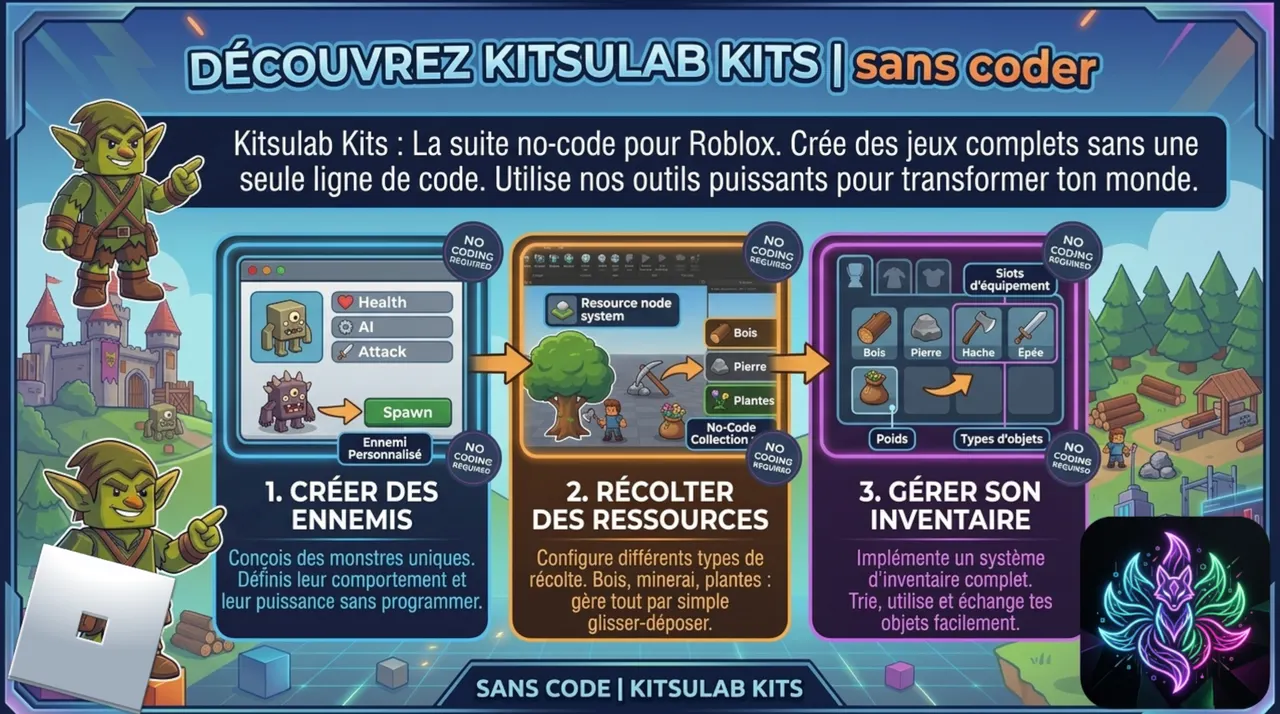
Getting Started with Kitsulab
Install the plugin, connect the CMS, and sync your first data to Roblox Studio.
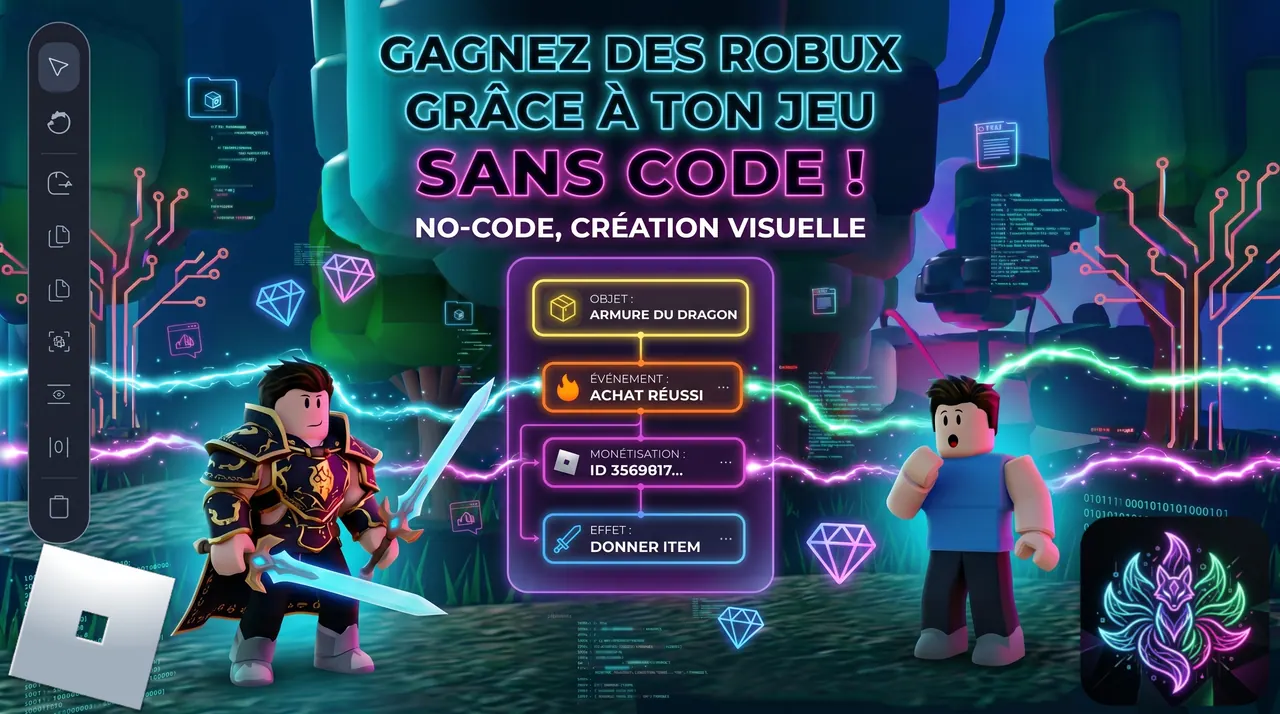
Monetize Your Game (Coin Packs and Legendary Armor)
Sell coin packs and a legendary Dragon Armor for Robux via Developer Products. The HUD shop menu auto-populates from your recipes.
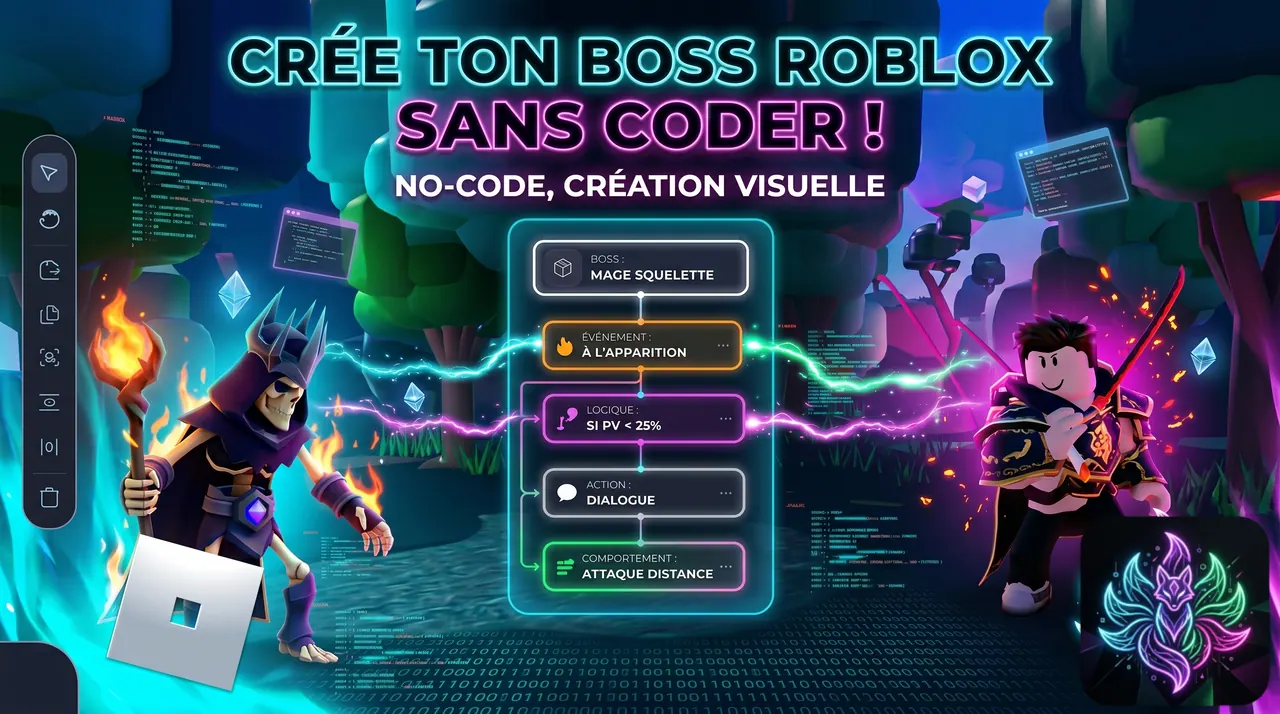
Create a Boss Fight (Skeleton Mage with Homing Fireballs)
Build a full boss encounter: provocation dialogue, ambiance switch to Midnight, homing projectiles with screen shake, and rich loot table.

Your game is only waiting for you.
Create your account, open the Lab, drop your first item. Your first mechanic in-game in less than an hour.
FAQ
The questions people actually ask
We answer straight. If your question isn't here, write to us — we read and reply to everyone.
01 So what is Kitsulab, really?
A tool that lets you build your Roblox game from your browser. You compose your items, combat, quests and economy visually. Kitsulab runs the logic for you. Your vision, your look — no detour through code.
02 Do I need to know how to code?
No. Truly not. If you can use a website, you can use Kitsulab. The tool is built for creators who want to make games, not for people who want to learn to program.
03 Is Kitsulab as powerful as coding in Lua?
For building a full game — combat, quests, economy, dialogues, progression, multi-phase encounters — yes. Kitsulab covers every genre you see in the Roblox top charts: RPGs, tycoons, dungeons, narrative games. For a very niche edge case, your dev can always layer custom code on top.
04 Can a professional studio use it?
That's actually one of the reasons Kitsulab exists. Your game designers keep moving without blocking your devs. Your devs stay focused on what matters. You ship more content, faster, with the same team.
05 Can I make money from a Kitsulab game?
Yes. Your game is your game: you publish it on Roblox, you monetize it how you want (passes, currencies, Robux), you keep 100% of what Roblox pays you. Kitsulab takes no cut on your revenue.
06 I already know some Lua — is Kitsulab still useful?
Massively. You'll save months. What you would've coded, debugged and maintained by hand, you compose in minutes. And you're still free to add custom code around it if you want.
07 What kind of games can I build?
Open-world RPGs, tycoons, simulators, dungeons, narrative games, survival, adventures. If it looks like a Roblox game, Kitsulab can run it. You compose the mechanics, you invent the combinations.
08 Does Kitsulab impose a visual style?
Never. Kitsulab is completely invisible to your players. Your 3D models, your maps, your interface, your art direction. No generated assets, no templates. Your game looks like your game.
09 How do I get started?
Create an account, open the Lab, install the Kitsulab plugin in Roblox Studio, paste your key. Done. Your first mechanic in-game in under an hour.
10 Is it free?
Yes, to get started. One project, your first items, your first quests, sync to Studio — all on the free plan. No credit card, no time limit. Try it, decide later.