
Create a Loot Box (Goblin Gift)
Replace the goblin's fixed crystal drop with a random loot box that takes 10 seconds to open.
Video Walkthrough
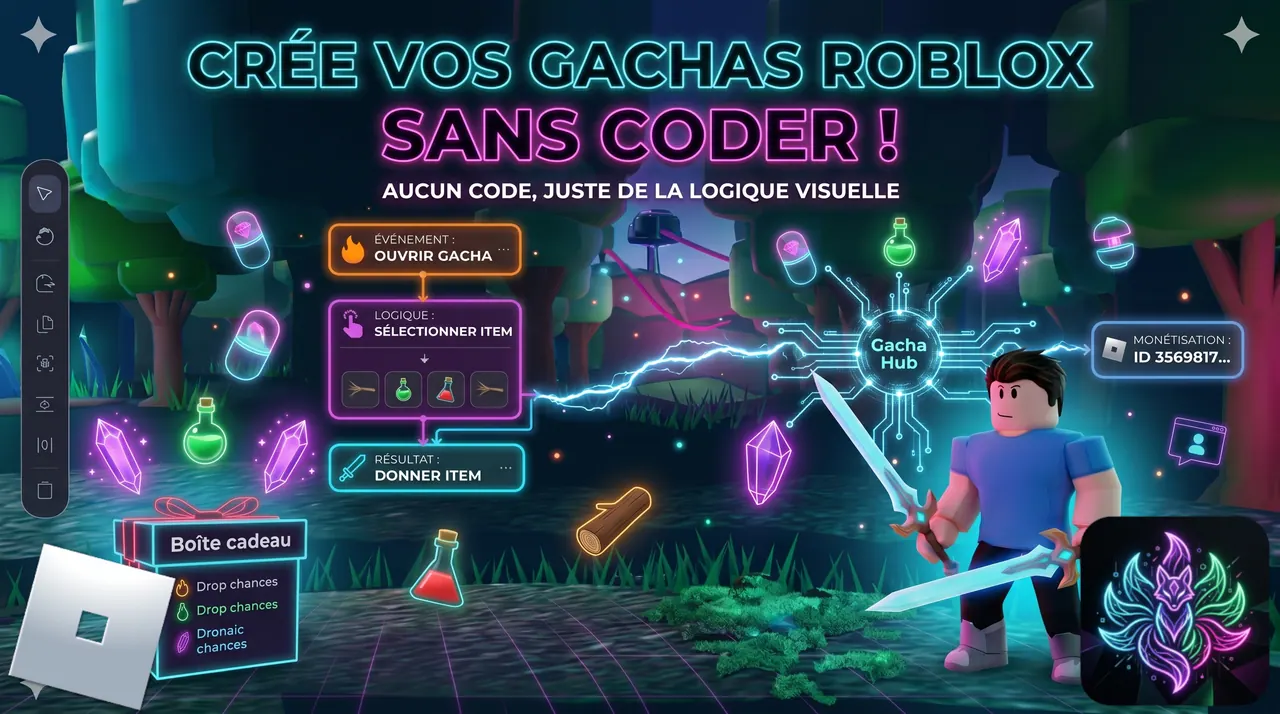
 Step-by-step Guide
Create the Gift Box item
Create item 'Gift Box' with category 'Consumable'. The category auto-unlocks the OnConsume entry point — the player will click the box in their inventory to open it.
Chain: SetTimer → AddRandomItem → ConsumeItem
OnConsume → SetTimer (duration 10s) → AddRandomItem → ConsumeItem. Timer first so the box survives disconnection — if the player logs off, the engine picks up the chain at next login.
Build the loot table (4 entries, total 100%)
On AddRandomItem, add 4 entries: Wood ×3 (chance 40), Mana Crystal ×2 (35), Healing Potion ×1 (20), Speed Potion ×1 (5). Total must be exactly 100% — the engine refuses to save otherwise.
Modify the Goblin to drop the Gift Box
On the Goblin's OnDeath chain, REMOVE the ModifyItem(Add Mana Crystal) action. ADD a ModifyItem(Add Gift Box) with 'Spawn as collectible drop' CHECKED. The box will fall on the ground when the goblin dies.
Link the Gift Box model and play
In the Linker, drag the GiftBox model onto the Gift Box item. In Play, kill a goblin: a Gift Box drops. Pick it up, open it from your inventory: a 10-second timer appears bottom-left of HUD. After 10s, a random item lands in your inventory.

 Start timer
  Give random item
  Consume item
  Modify inventory