
Spawn Enemies (Goblins) with Drop Loot
Set up a spawner that creates aggressive goblins in a zone. They drop coins and crystals on the ground when killed.
Video Walkthrough
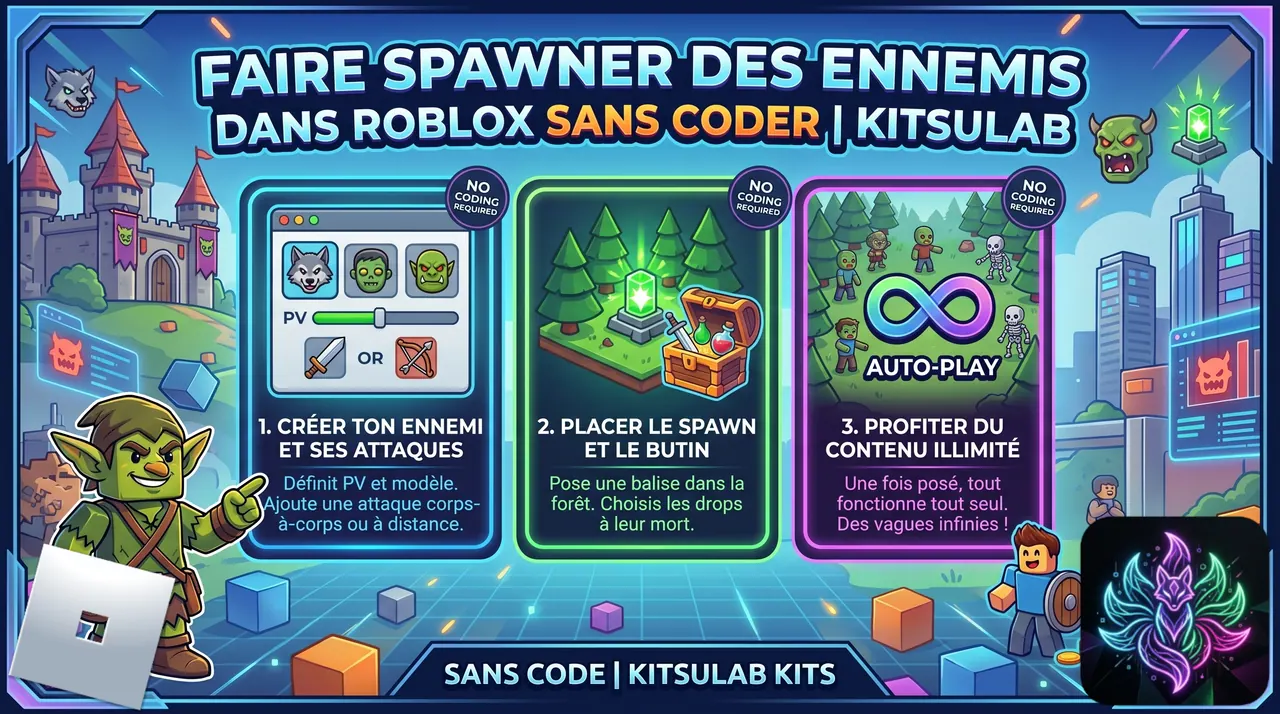
 Step-by-step Guide
Create currency, resource and the goblin attack
Make sure currency 'gold' exists. Create item 'Mana Crystal' (Collectible). Then on the Attacks page, create 'GoblinClaw': Range Melee, cooldown 1.5s, no cost, damage 3 absolute on vitality.
Create the Goblin item with stats
Create item 'Goblin' (category None). Stats: vitality 30, force 5, speed 12. Attacks: [GoblinClaw]. Because vitality has impact 'Vitality', the editor automatically requires OnDamage and OnDeath entry points.
Goblin chains: Aggressive on spawn, loot on death
OnSpawn → ChangeBehavior(Aggressive) (he charges the player). OnDeath → ModifyCurrency(Add gold 25, 'Spawn as collectible drop' CHECKED) → ModifyItem(Add Mana Crystal ×1, 'Spawn as collectible drop' CHECKED). The coins and crystal fall on the ground — the player walks over them to collect.
Create the Goblin Spawner item
Create item 'Goblin Spawner' (category None). Its 'model' will be a transparent invisible Part placed in the Forest — the engine spawns goblins randomly inside this Part's volume.
Add the Spawn action: infinite loop
On the Spawner, OnSpawn → Spawn with: spawnType 'infinite', maxActive 3, interval 5, contentList ['Goblin']. The engine maintains 3 alive goblins constantly — when one dies, a new one appears at the next tick.
Link models and play
Link the Goblin model (Model + Humanoid + HumanoidRootPart — required for living entities), the Crystal model, and the invisible Part for the Spawner. In Play mode, walk into the Forest, the goblins spawn and charge you. Kill them, loot drops on the ground.

 Spawn (spawner)
  Change behavior
  Modify currency
  Modify inventory