
Create an NPC with Dialogue
Build an NPC that wanders around and speaks to the player when interacted with.
Video Walkthrough
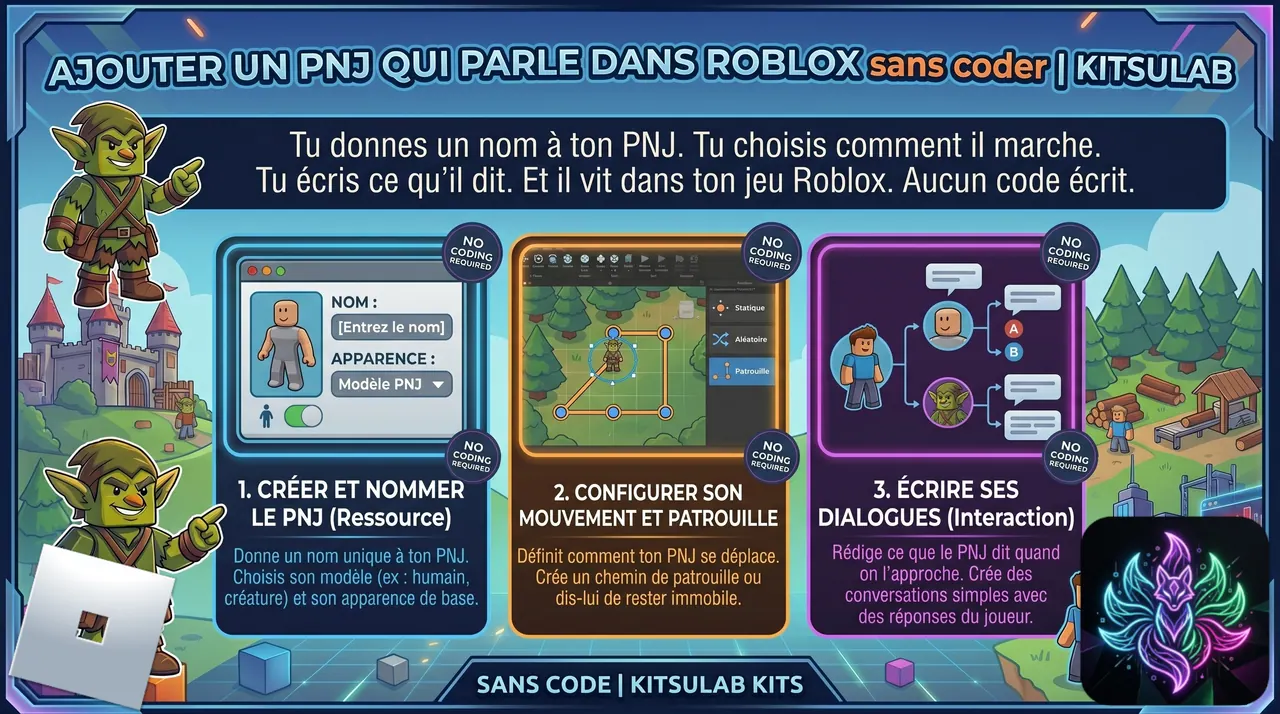
 Step-by-step Guide
Create the NPC item (Lumberjack)
In the CMS, create a new item 'Lumberjack' with category 'None'. It's a free NPC living in the world — no special category needed.
Add OnSpawn with two parallel branches
In the Behavior tab, add an OnSpawn entry point. From this same entry point, fan out two branches: one for behavior, one for interaction.
Branch 1: ChangeBehavior(Walk)
On the first branch, add a ChangeBehavior action with type 'Walk'. The NPC will wander around its spawn point automatically — no scripting needed.
Branch 2: Interact + Dialogue
On the second branch, add an Interact action with the label 'Talk', then a Dialogue action. Write the NPC's lines (e.g. 'Hi there! Need some wood?'). The engine handles the dialogue UI automatically.
Link the 3D model and test
Drag your humanoid Roblox model (Model + Humanoid + HumanoidRootPart) onto the Lumberjack item in the Linker. Press Play. The NPC walks around. Approach, see 'Talk' prompt, press E — the dialogue appears.

 Change behavior
  Interaction
  Dialogue